
Story
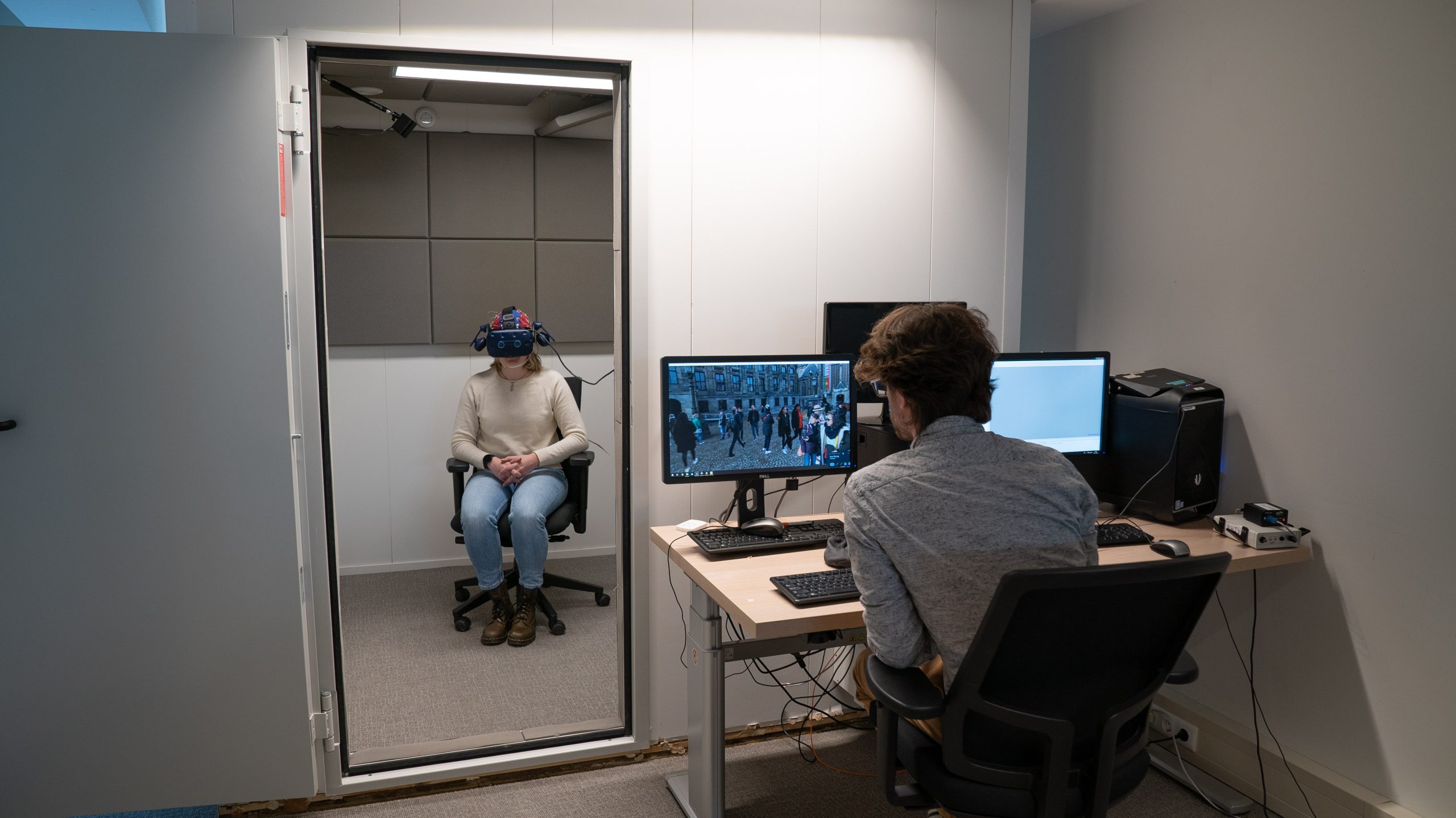
Electroencephalography (EEG) studies use electrodes on the scalp of the user to measure microscopic changes in the electrical signals emitting from the brain. These studies usually take place in a highly controlled environment, usually in a stimulus free environment to minimize external intervention.
Apart from the environment, EEG studies use established software solutions to show content, or stimuli, to the participants. A commonly used package is called E-Prime, a stimulus presentation toolkit well known for its use in EEG studies, which interfaces with external tools to synchronize stimuli presentations with EEG signals.
A recent shift to the use from monitor to VR stimuli by our Experience Lab has highlighted a lack of support of these toolkits for immersive media. The EEG360 project was therefore established to generate a low-latency solution for researchers to present immersive media, without migrating from familiar platforms.
Process
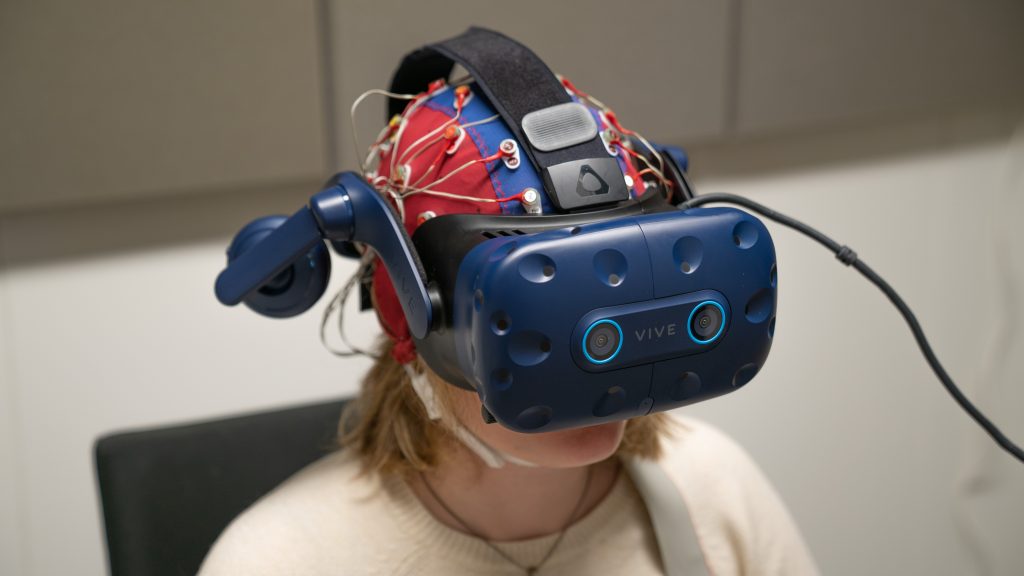
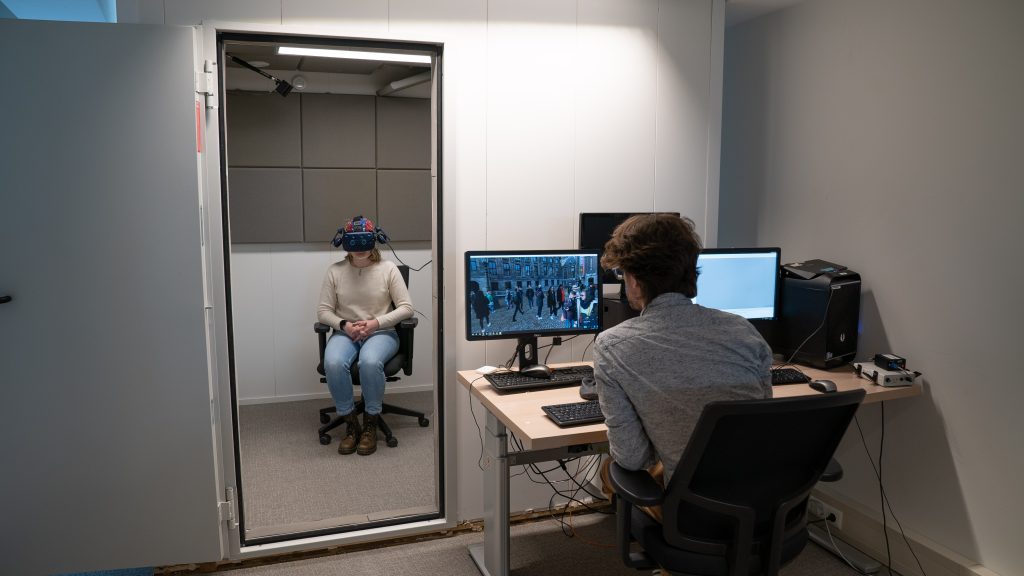
The project was developed in collaboration with the BUas Experience Lab, being the primary user of the application. This group has a fixed setup in their lab that uses 2 high-end computers, one for gathering the data, and one for presenting stimuli. This meant that the application had to run on the same computer as the E-Prime computer, however potential use by sister-labs in the Netherlands required optional support to run the application on an additional machine.
The first step was to figure out how to interface with the lab’s primary stimulus software, e-prime. While e-prime has several connection methods, the primary method they seemed to recommend was a TCP/UDP connection. This is a standardized networking layer that is widely available amongst many packages, and as such a good fit for our application, both now and for future expansion.
We then had to understand both the features as well as the target hardware that we were to support. The Experience Lab has VR devices by Varjo, HTC, and Meta, requiring potential support for a wide variety of devices. All of the devices are navigated using controllers, and support OpenXR on windows. The required features were:
- Text
- 360 photos & videos
- Likert scale with a custom question, valence or arousal
- Focus dot
Our final choice was determining the software to use for building the application. Limited time, and a specific scope steered us towards Unity3D, our previous experience with the software, as well as its well documented support for OpenXR and Networking Protocols.
We decided to implement a basic messaging protocol, where the EEG360 project acts as the host device, where client devices can send messages to and receive messages from our application. We then determined a basic communication protocol, where stimuli is stored in a pre-determined location (indicated in the EEG360 config file), and actions are requested using a strict format: “type=x|parameter1=y”, using a return signal to indicate when content is shown or has concluded.
Additional features were requested after our initial delivery, which included new video formats, log files and ambisonic audio support. Updates to the Unity Engine included these features, a basic update and enabling of these packages managed to elevate the project to the then latest version of OpenXR, as well as support for the requested file formats.
Results
The final application managed to incorporate all the requests, as well as the limitations to support the required hardware and software. The application is free to download on GitHub, and does not contain any paid assets. All documentation can be found on the GitHub Wiki, including the protocols and extensive information on the features.
Stimuli / events
The final application supports a number of stimuli:
- Text: A string value with the option to display text for a predetermined duration or until a button is pressed
- 360image: A 360 image with the option to display text for a predetermined duration or until a button is pressed, and to option to offset the rotation
- 360video: A 360 video where rotation offset can be set
- 360videoambisonic: A 360 video with ambisonic audio where rotation offset can be set
- valence question: A 5 or 9 scale likert scale showing the SAM valence character. A custom main label and item label can be provided
- arousal question: A 5 or 9 scale likert scale showing the SAM arousal character. A custom main label and item label can be provided
- question: a 5 or 9 likert scale, where the main label and item labels can be provided
- focus: a blank screen with a custom color and a + in the middle to help the participant focus in between stimuli. A custom duration can be provided or a button press is used to continue
- log: a custom text that is stored directly into the log file
All stimuli returns a TCP message to help the flow of the system. “OnScreen” is send when the stimuli is presented to the participant, while “Continue” is send when the stimuli has finished. These messages help tools like E-Prime automatically go through an automated flow, and assist in post-session quality control to align the EEG data with the event timings.
User interactions
Users only need a single controller for the entire application. This controller will omit a simple line to show what the users are aiming at, and use this trigger as a click event for pressing buttons.
Configuration and file loading
Users are asked to specify several configuration options before using the application. These are used to determine the location of the content (images and videos), the address and port to use for communication, background color, and message when the application has started.
The follow file formats are supported:
- Image: png or jpg
- Video: mp4, avi, wmv
- Ambisonic Video: mp4 with 4 channel AAC audio
How has it been used
The EEG360 application was originally developed for a crowding study, showing 360 photos from the Amsterdam region.
Later iterations of the application were used by master students from the Leisure and Tourism academy to conduct studies in the Experience Lab. These included studies on the impact of sound in nature areas, for which the ambisonic support was added.
Technical Details
Git URL: https://github.com/BredaUniversityResearch/EEG360
Software: Unity 2022.3
VR Layer: OpenXR
Research Output
Zenodo URL: https://zenodo.org/records/6573282